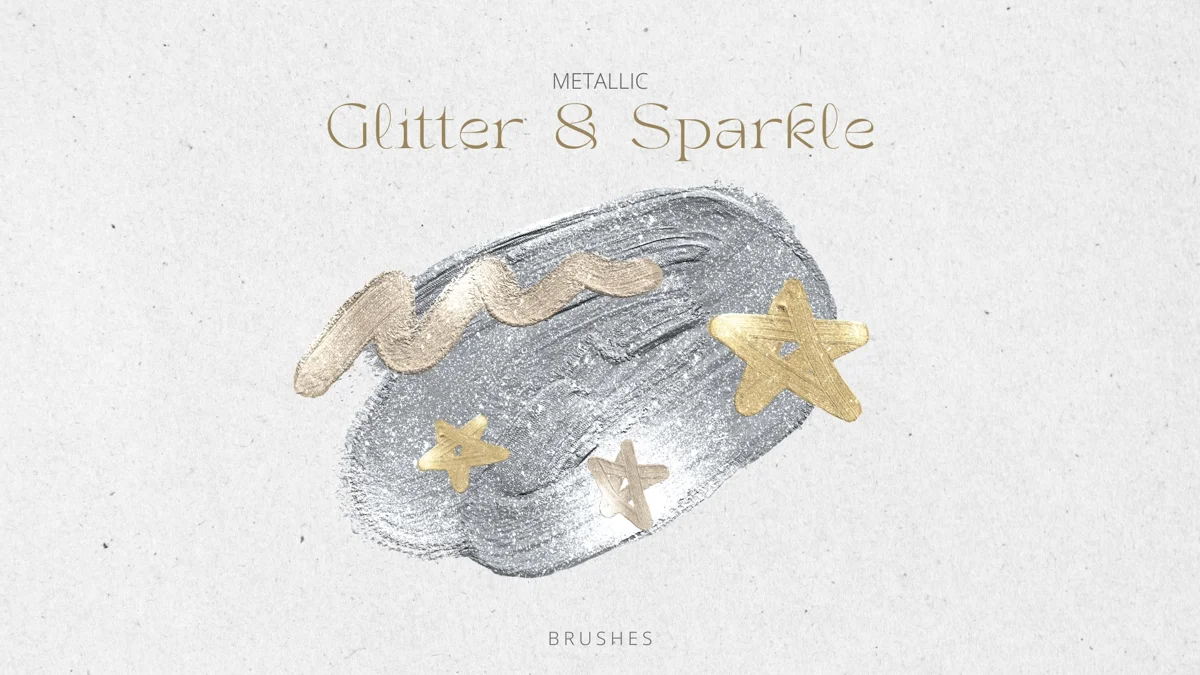
 FREEGold Glitter
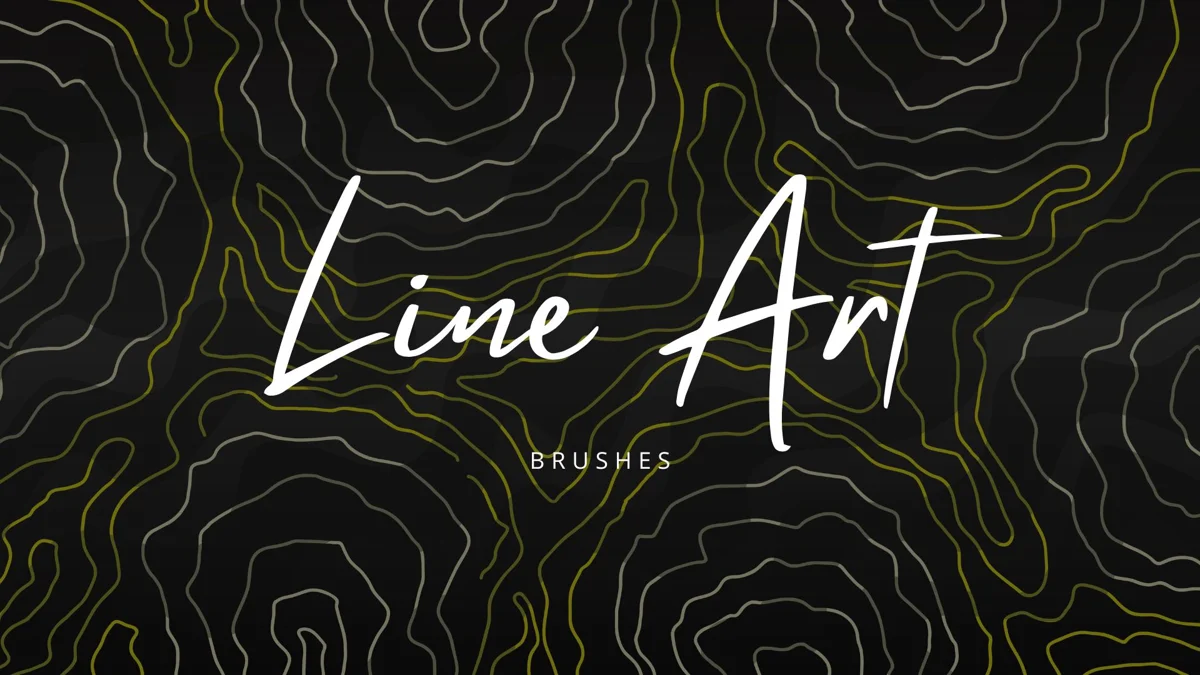
FREE / BRUSHES
Line Art
A large collection containing 330 brush records for exploring line-based marks. The complete set is one brushset; browse it once and move the tools you actually use into a smaller group.
- Format
- BRUSHSET
- Download size
- 28.9 MB
- Brushes
- 330
Free download · No account required
Keep your resources together on iPad.
Brushes for Procreate+ ↗GET STARTED
Bring it into Procreate
Save the .brushset to Files on your iPad. Tap it to import, or use Import in Procreate’s Brush Library. A brushset is already packaged for Procreate; do not unzip it.
Read the step-by-step guide ↗ONE SMALL EXPERIMENT
Try this first
Compare three candidates on the same simple object instead of changing brush after every stroke.
Check the original creator’s license before commercial use. Download availability does not grant resale or redistribution rights. About licenses.
A PRACTICAL START
Find one line you can use consistently
A large brushset is easier to evaluate when every candidate draws the same simple subject. This comparison helps you choose a working brush instead of scrolling through the whole library.
- 01
Draw one object three times
Use three candidate brushes to outline the same cup or leaf on separate layers. Keep canvas size, brush size, and zoom level as similar as possible.
- 02
Check the important joins
Look at corners and overlapping lines at your intended display size. Pick the brush whose line weight keeps the object legible, not the one with the most detail when zoomed in.
- 03
Keep a short working list
Note the names of the two or three brushes you will actually reuse. Leave the full imported set intact while you decide.
About the file: One .brushset with 330 brushes, 28.9 MB. Save it to Files on your iPad and wait for the download to finish before importing. Procreate can import a .brushset directly; leave the extension intact.
Want a smaller, pen-focused collection to compare? Ballpoint Pen ↗
For the current import controls, see the Procreate Brush Libraries handbook ↗.
KEEP EXPLORING