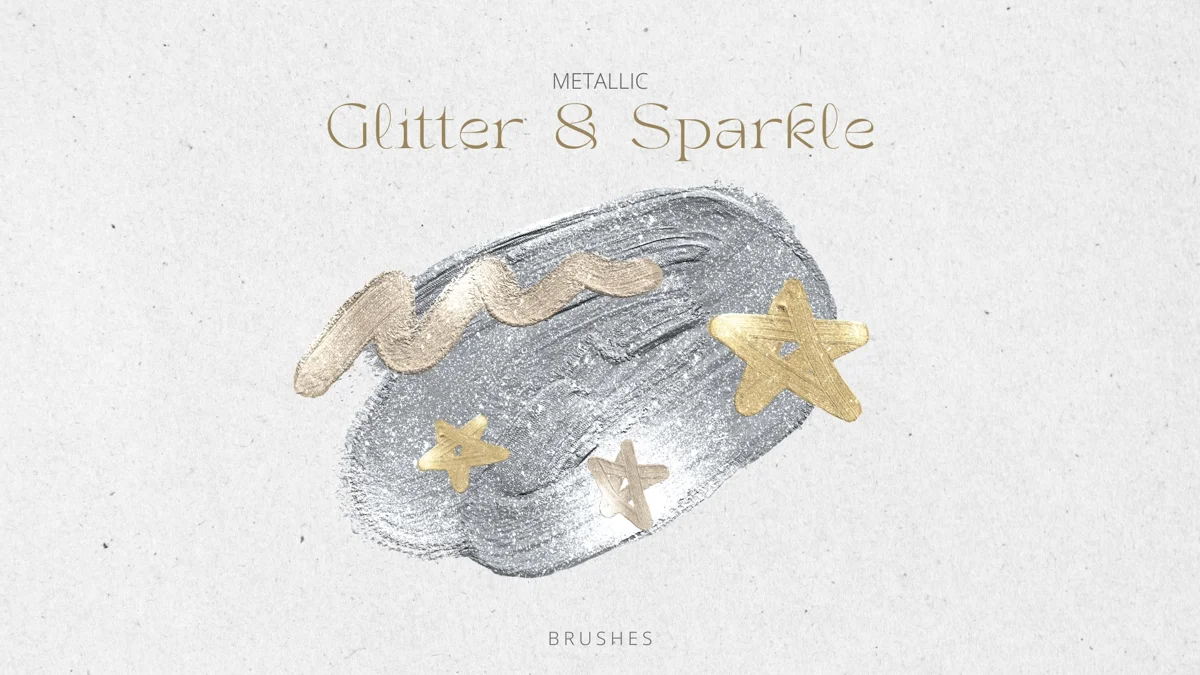
 FREEGlitter & Sparkle
FREE / BRUSHES
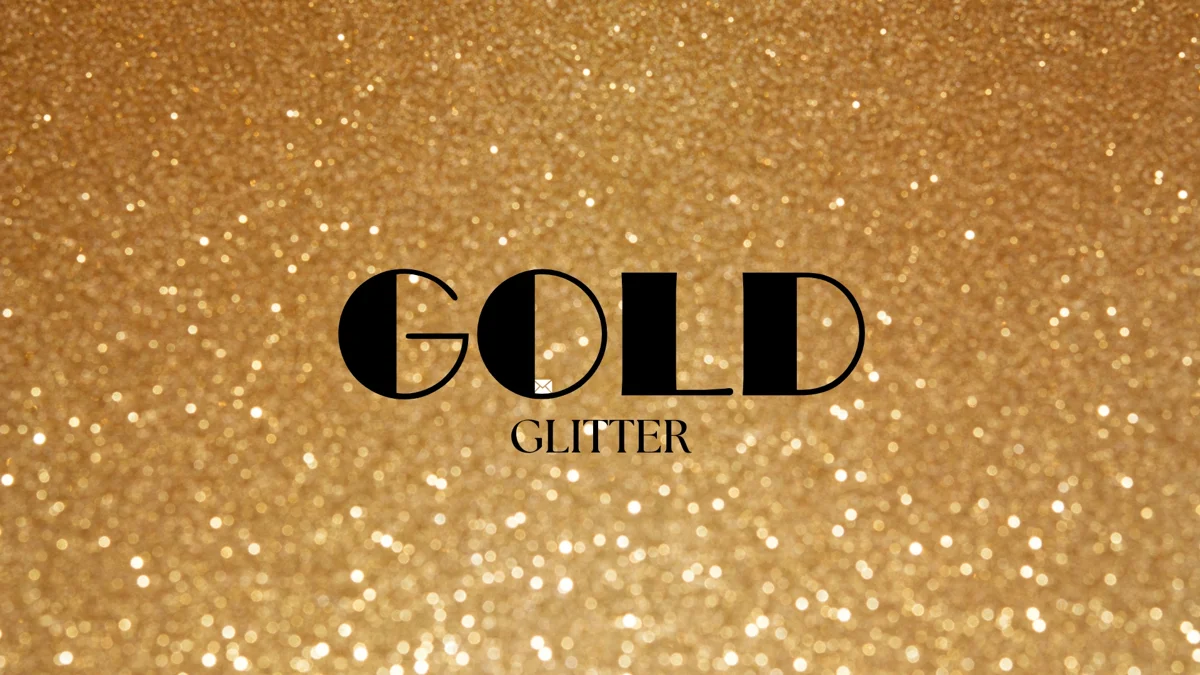
Gold Glitter
Add a small metallic-looking accent to lettering, borders or a finished illustration. This collection contains 18 brush records in one importable set.
- Format
- BRUSHSET
- Download size
- 1.5 MB
- Brushes
- 18
Free download · No account required
Keep your resources together on iPad.
Brushes for Procreate+ ↗GET STARTED
Bring it into Procreate
Save the .brushset to Files on your iPad. Tap it to import, or use Import in Procreate’s Brush Library. A brushset is already packaged for Procreate; do not unzip it.
Read the step-by-step guide ↗ONE SMALL EXPERIMENT
Try this first
Keep the brightest marks in one focal area; a full canvas of sparkle can hide the shape beneath it.
Check the original creator’s license before commercial use. Download availability does not grant resale or redistribution rights. About licenses.
A PRACTICAL START
Give a small detail the gold treatment
This smaller set is a useful starting point when you want a decorative accent without downloading the larger sparkle collection.
- 01
Choose one small area
Try the edge of a letter, a border, or one highlight on an object. Keep your main outline on a separate layer so the detail does not replace its shape.
- 02
Compare light and dark
Make the same mark on two background colors. Metallic-looking details can lose definition when the surrounding value is too similar; choose the version that remains readable at thumbnail size.
- 03
Stop after the focal point works
Toggle the accent layer off and on. If the drawing reads the same without every extra mark, keep only the few that help direct the eye.
About the file: One .brushset with 18 brushes, 1.5 MB. Save it to Files on your iPad and wait for the download to finish before importing. Procreate can import a .brushset directly; leave the extension intact.
Need more choices for decorative finishes? Glitter & Sparkle ↗
For the current import controls, see the Procreate Brush Libraries handbook ↗.
KEEP EXPLORING